
Favorable
Clause protects your commercial interests. Low risk, standard market terms. Approve and proceed to signature.
Paralegent AI analyzes an 80-page master agreement in 30 minutes using 18+ specialized AI agents — deployed in your cloud, owned by your team.
For in-house counsel, legal operations, and procurement teams.
Master Purchase of Materials and Provision of Services
Vendor's total aggregate liability arising out of or related to this Agreement shall not exceed the lesser of (i) USD 50,000 or (ii) the fees paid by Customer to Vendor in the prior three (3) months. The foregoing limitation shall apply notwithstanding any failure of essential purpose of any limited remedy.
This Agreement shall commence on the Effective Date and shall continue for an initial term of one (1) year. Thereafter, this Agreement shall automatically renew for successive one-year terms unless either Party provides thirty (30) days' written notice of non-renewal prior to the then-current expiration date.
This Agreement shall be governed by and construed in accordance with the laws of the State of New York, without regard to its conflict of laws principles. The Parties hereby submit to the exclusive jurisdiction of the state and federal courts located in New York County, New York.
Each Party shall indemnify, defend, and hold harmless the other Party from and against any and all third-party claims, losses, damages, liabilities, costs, and expenses arising out of or in connection with breach of representations, warranties, or material obligations under this Agreement.
89% of in-house counsel are dissatisfied with their current contract review process. 40–60% of their billable time goes to repetitive document review — at $150–$750 per hour in attorney time. Paralegent AI eliminates that bottleneck entirely: the end-to-end contract review workflow turns an 80-page MSA into 40–50 precisely placed redlines in 2–8 minutes.
Learn more about how Paralegent AI works or explore our frequently asked questions.
Upload your playbook once — 80-150 terms organized by Warranty, Liability, IP, Indemnity, Termination, and more. Every clause is classified GREEN, ORANGE, or RED with a clause definition, the rationale, and real-world examples. Every contract from then on is scored against your positions — not a generic vendor playbook.
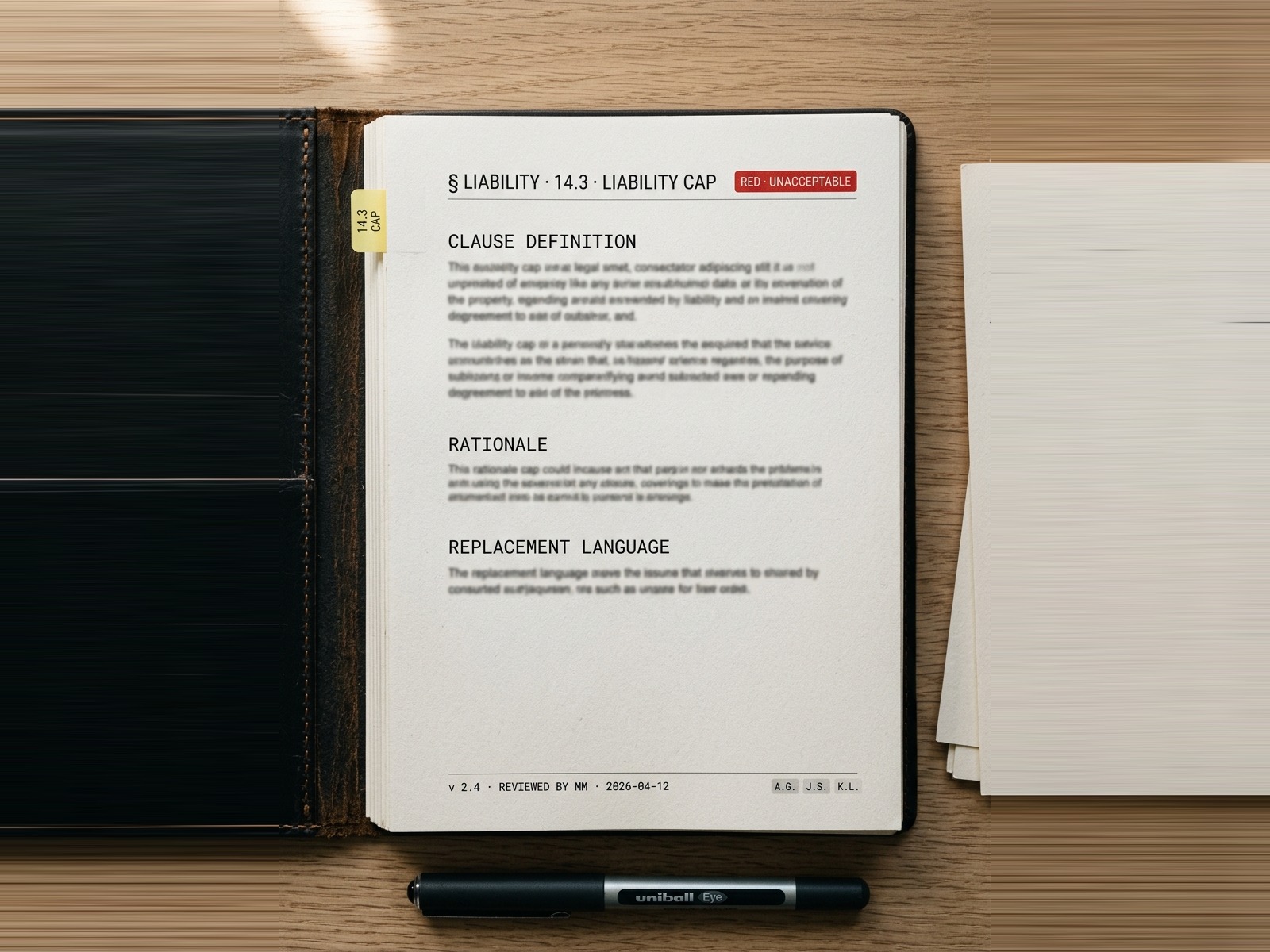
Not one generic LLM trying to do everything. 18+ domain-specific agents across 18+ legal categories — Warranty, Indemnity, IP, Termination, Compliance — each focused exclusively on its section. An orchestrator compares confidence scores, resolves conflicts, and surfaces only the highest-confidence findings.
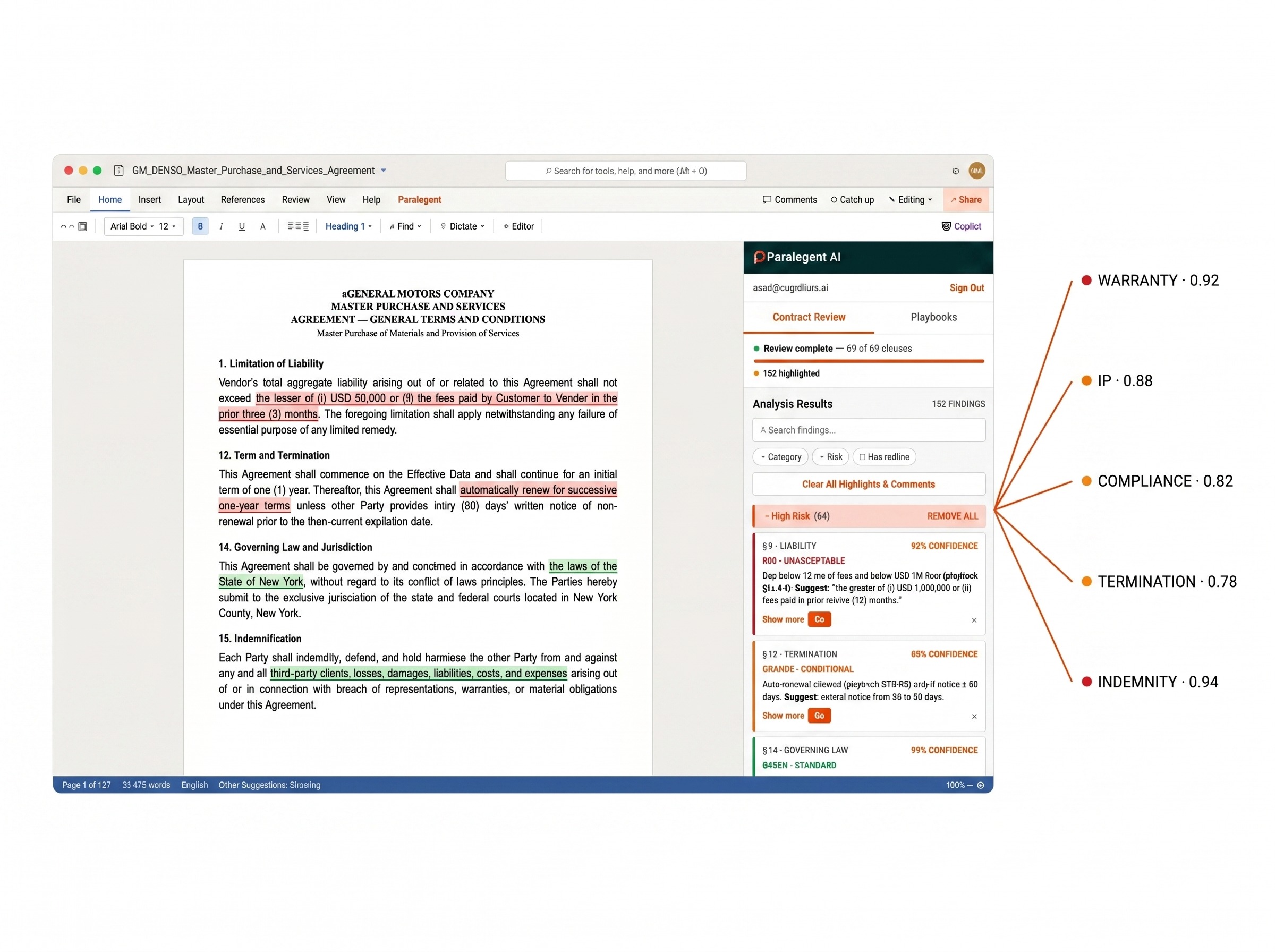
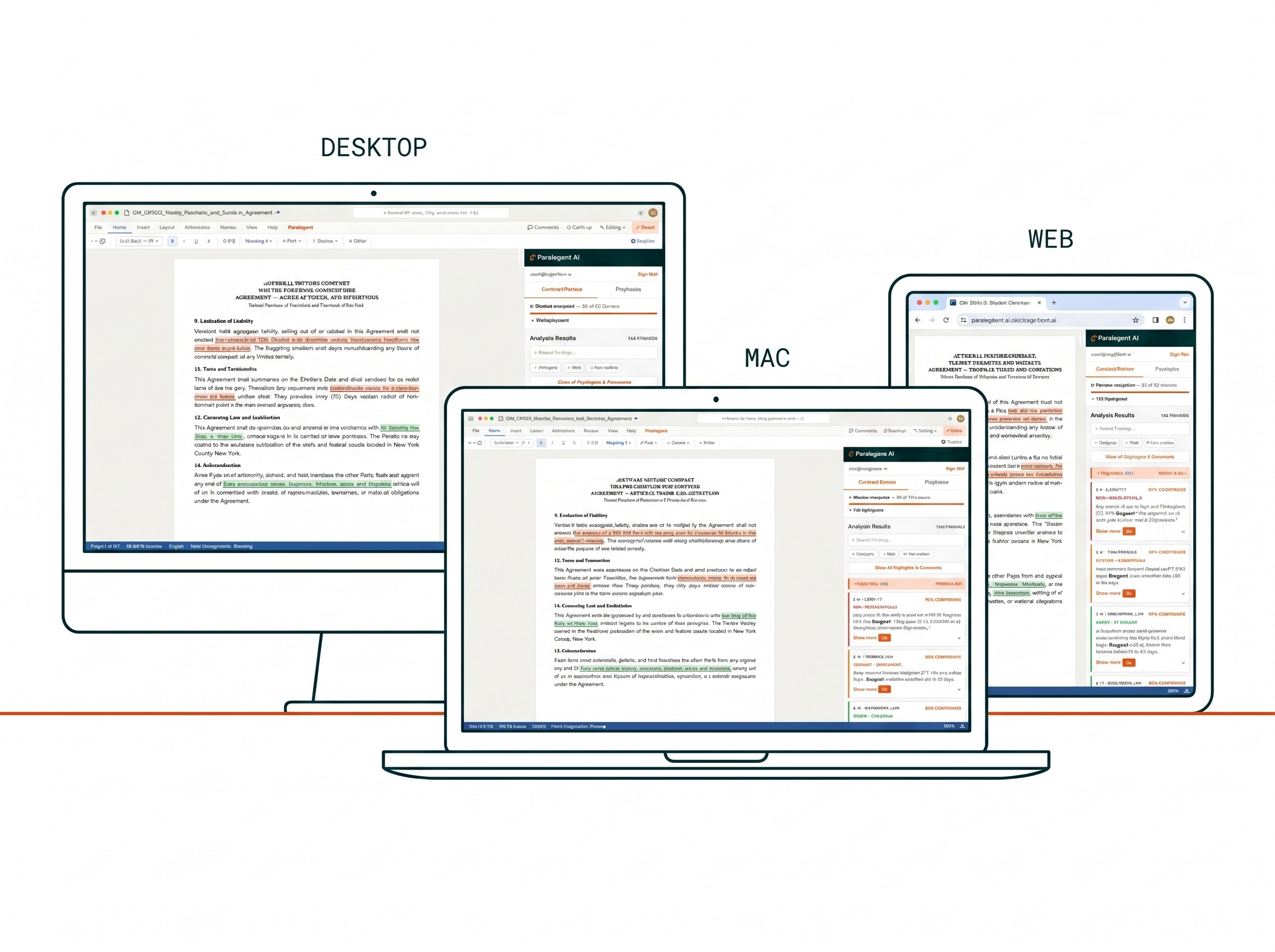
No new tool to roll out, no training program. Paralegent appears as a sidebar inside Microsoft Word — desktop, Mac, or web. Open a contract, click Review, get a fully classified redline back in 2-8 minutes. Attorneys accept, modify, or reject each suggestion inside the document they were going to read anyway.
Every clause classified with a 3-tier risk system. Each flag includes rationale, confidence score, and replacement language.
Clause protects your commercial interests. Low risk, standard market terms. Approve and proceed to signature.
Moderate risk. Acceptable depending on deal size or strategic importance. Escalate for senior approval.
Materially unfavorable. Disproportionate liability or IP exposure. Reject, negotiate out, or replace with fallback language.
Eight dimensions where the deployment model, architecture, and commercial structure produce fundamentally different outcomes for enterprise legal teams.
| Dimension | Typical SaaS Contract AI | Paralegent AI |
|---|---|---|
| Data Residency | Vendor's shared cloud | Your cloud — data never leaves |
| Playbook Depth | Generic, pre-built rule sets | Custom playbook: definitions + rationale + examples |
| AI Architecture | Single-model, black box | 18+-agent orchestration with confidence scoring |
| Commercial Model | Per-user / month subscription | One-time license — you own the system |
| CLM Integration | Limited or vendor-specific | Any CLM: Agiloft, DocuSign, Icertis, Ironclad |
| LLM Flexibility | Vendor-chosen model | Your choice: Azure OpenAI, Bedrock, Vertex AI |
| Customization | Configuration toggles | Full engineering by a dedicated pod |
| Ownership | Vendor owns the platform | You own the deployed system |
Paralegent AI serves manufacturing, retail, technology, energy, transportation, healthcare, construction, and financial services.
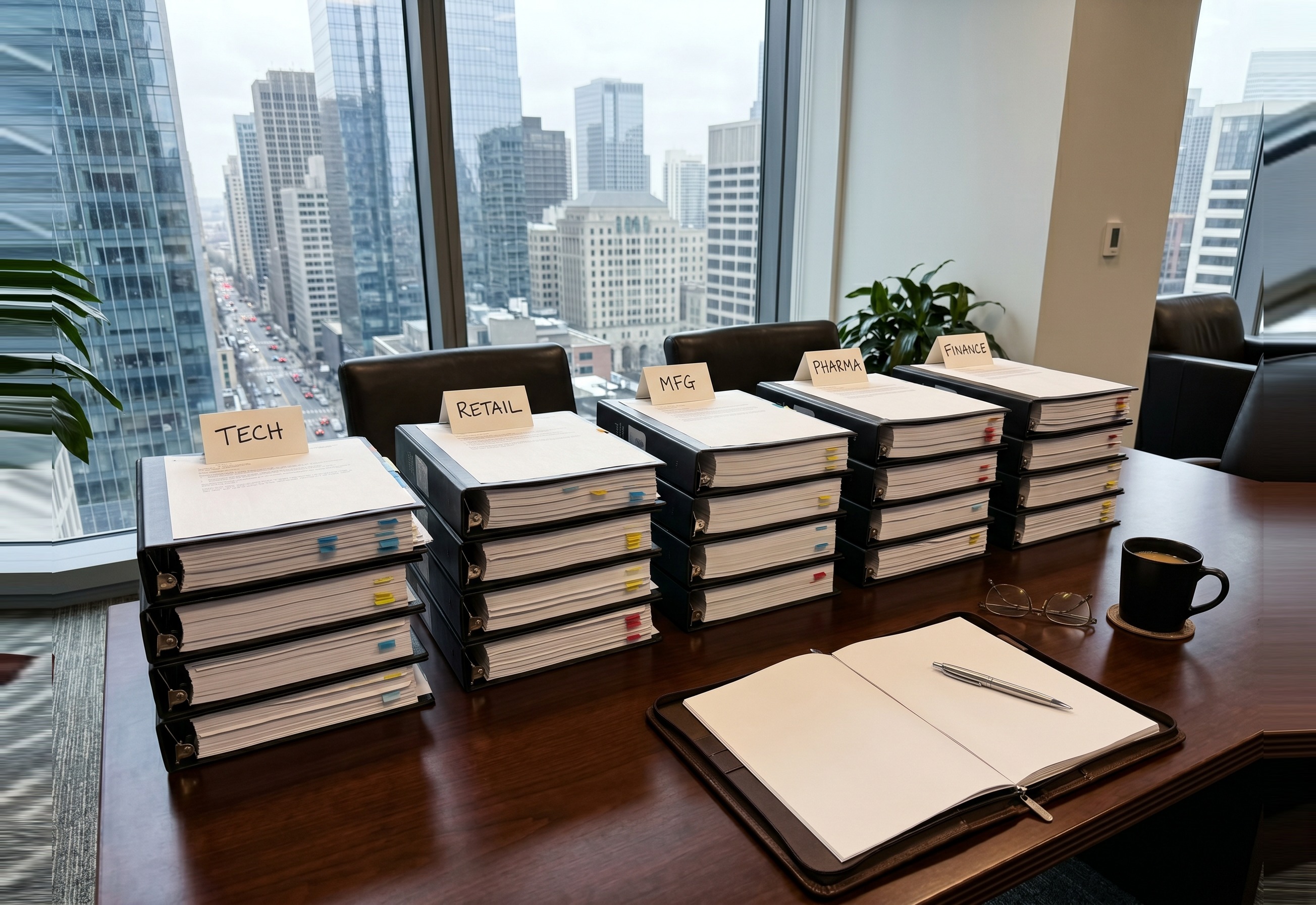
In-house counsel and General Counsel offices processing hundreds of MSAs, MPAs, and Master Service Agreements per year.
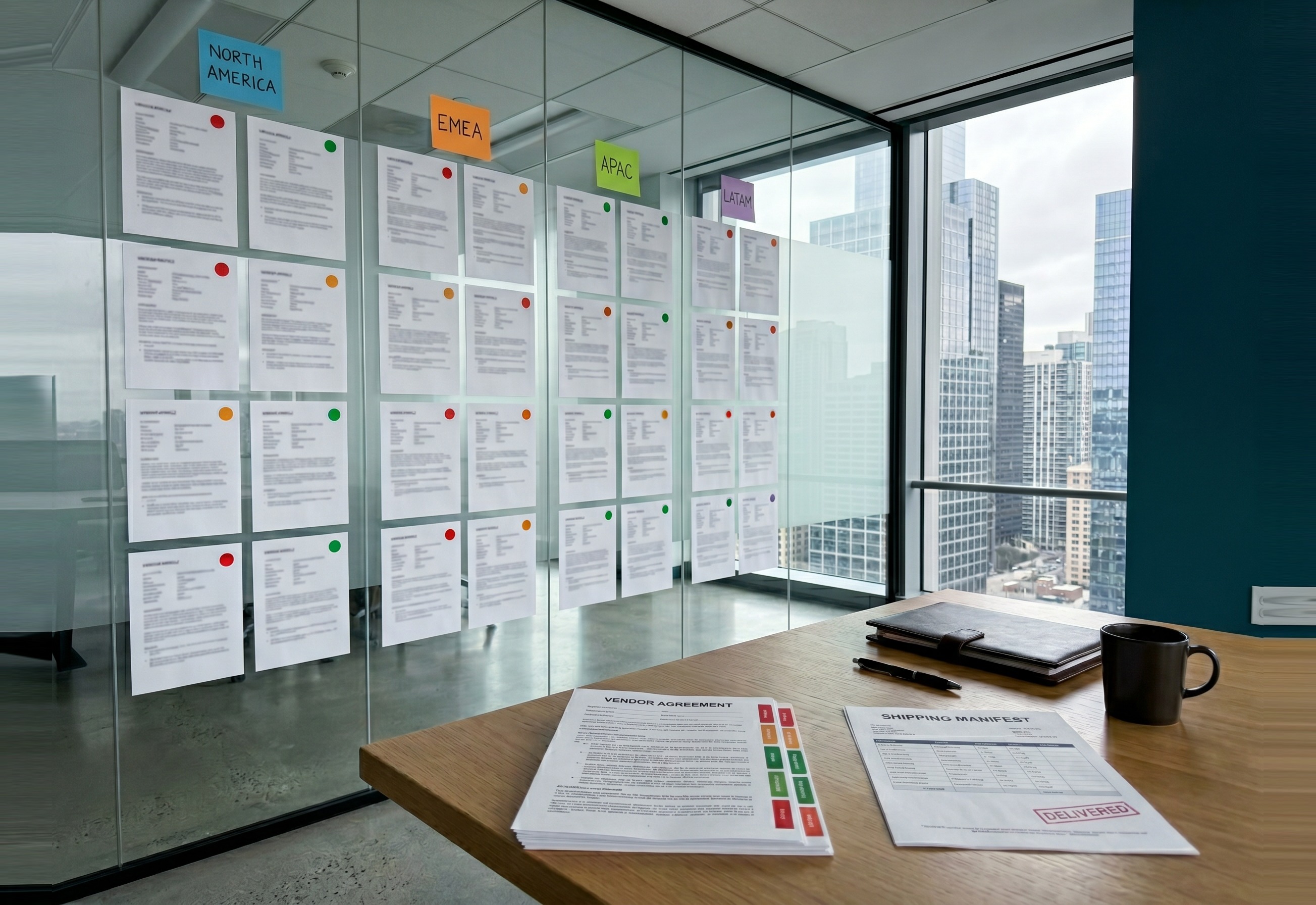
Legal ops teams standardizing contract review workflows, enforcing policy, and reducing 15-day SLA bottlenecks to 2 days.
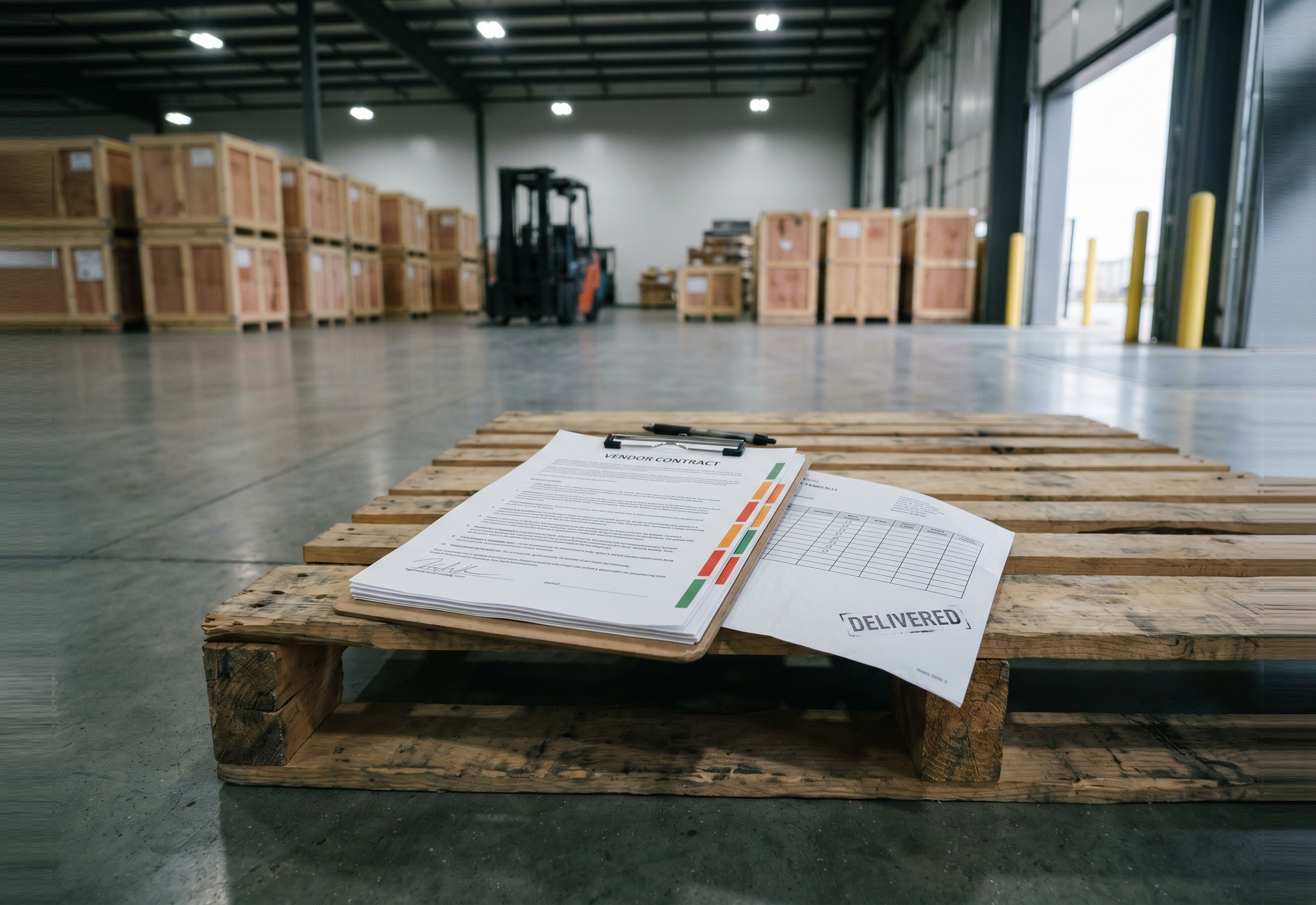
Procurement teams reviewing vendor contracts, supplier agreements, and purchase contracts at scale across 8 industries.
Upload one MSA, MPA, or Master Service Agreement — we deliver a fully classified redline analysis within 48 hours at no cost.
The most common questions about Paralegent AI's playbook-driven multi-agent contract due diligence — answered directly.
Paralegent AI is a multi-agent AI contract review system that analyzes 80-page master agreements in 30 minutes using 18+ specialized AI agents and a custom playbook, deployed in your own cloud. It classifies every clause as GREEN (favorable), ORANGE (conditional), or RED (unacceptable) — based on your company's specific legal standards, not generic rules.
Paralegent AI deploys directly in your cloud — your contract data never leaves your environment, unlike every SaaS alternative. We use a deeply structured custom playbook (not generic rule sets), multi-agent orchestration with 18+ specialist agents plus an orchestrator that resolves conflicts by confidence score, and a one-time accelerator license rather than a per-user monthly subscription.
Paralegent AI reviews an 80-page master agreement in approximately 30 minutes, compared to 20–30 hours for manual review. Contract matching completes in 15-20 seconds. Multi-agent analysis runs in 2-8 minutes. The full output — 40–50 precise redlines with replacement language — is delivered inside Microsoft Word, reducing your SLA from 15 days to 2 days.
Paralegent AI analyzes Master Sales Agreements (MSA), Master Purchase Agreements (MPA), Master Service Agreements, Sales Contracts & Orders, Purchase Contracts & Orders, and Statements of Work (SOWs) — including cross-validation of subcontracts against both the master agreement terms and your playbook. Every contract type is analyzed across 18+ legal categories.
The playbook is a deeply structured knowledge base organized by contract section — Warranty, Liability, Indemnity, Intellectual Property, Termination, Confidentiality, Force Majeure, and more. Each playbook covers 80-150 terms. Every term is classified GREEN, ORANGE, or RED with a clause definition, the rationale explaining the risk level, and real-world contract examples.
18+ specialized AI agents each analyze their designated contract section — the Warranty Agent evaluates warranty provisions, the Indemnity Agent analyzes indemnification clauses, the IP Agent reviews intellectual property. The orchestrator agent compares confidence scores across all specialists, resolves conflicts, and surfaces only the highest-confidence findings.
The output is a fully marked-up contract with 40–50 precise redline locations, each tagged with its classification (RED, ORANGE, or GREEN), the originating contract section, a Compliance Explanation showing why the clause was flagged, and AI-generated replacement language in your preferred wording — all inside the Microsoft Word add-in.
Yes — Paralegent AI is specifically built for this. It deploys in Azure, AWS, or Google Cloud under your control. Your contract data never leaves your environment, LLM API costs run through your own cloud accounts, and you maintain full data residency and compliance. This is the core reason enterprises choose Paralegent AI over SaaS alternatives.